
Freelance
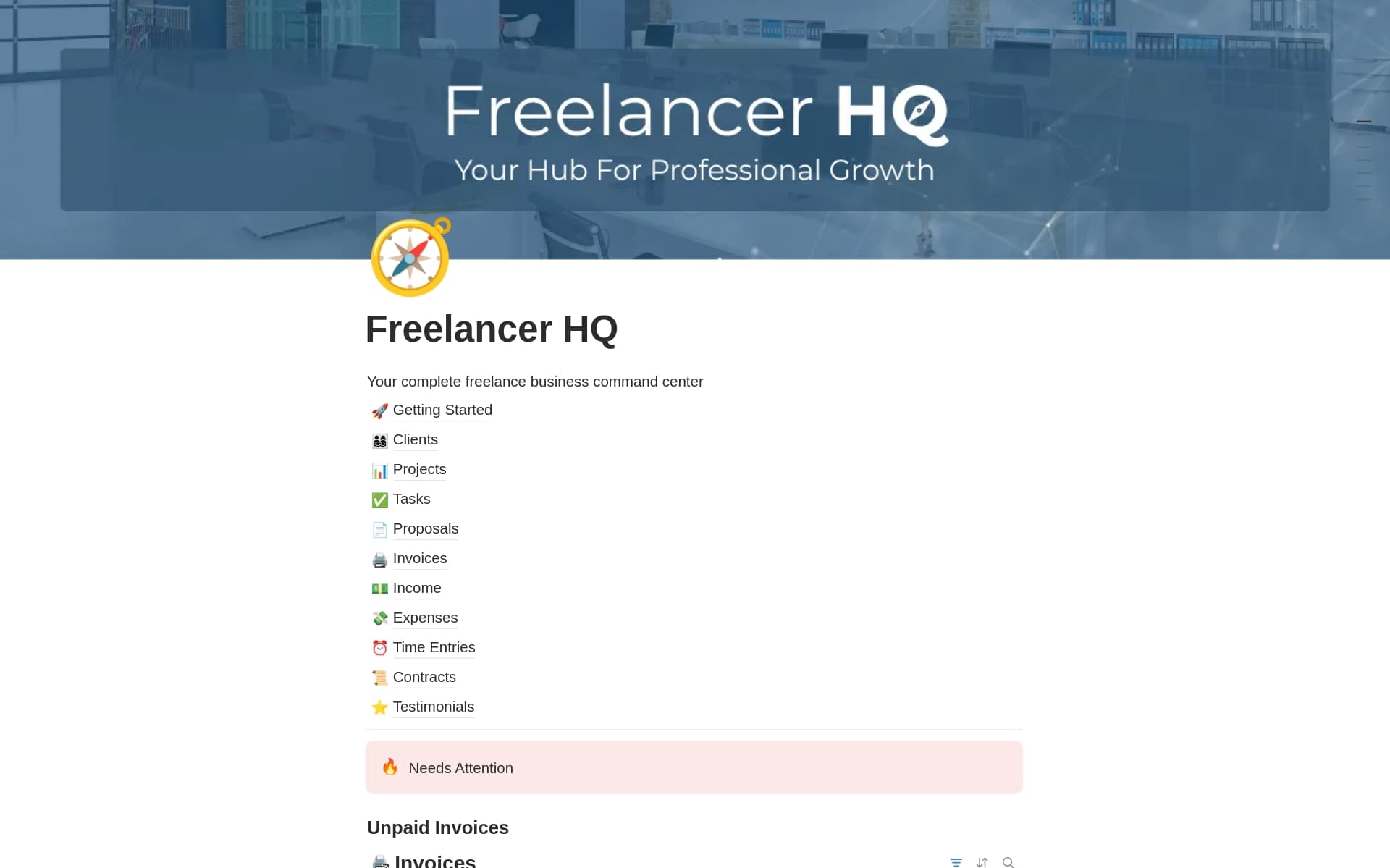
Essential Notion templates for freelancers and independent contractors. Manage clients, track projects, send proposals, log time, and organize your freelance business in one powerful workspace.
1 template found
About Freelance Notion Templates
Freelancing means wearing many hats — designer, project manager, accountant, and marketer all rolled into one. The right Notion template can help you keep everything organized without the overhead of expensive software subscriptions. Our freelance templates cover the full spectrum of solo business needs: client relationship management, project pipelines, time tracking, invoice logs, and portfolio management. Many templates are designed specifically for the freelance workflow, with databases that connect clients to projects to invoices so you can see your entire business at a glance. Whether you're just starting out or running a six-figure freelance business, these templates give you the structure to work more efficiently.
Frequently Asked Questions
What Notion templates do freelancers need?
At minimum, freelancers need a client database, project tracker, and invoice log. Beyond that, templates for time tracking, proposals, contracts, and a content calendar can help you run a more professional business.
Can Notion replace project management tools for freelancers?
Absolutely. Notion can handle task management, client communication notes, file organization, and project timelines — replacing tools like Trello, Asana, or Monday.com for most freelancers.
How do freelancers use Notion for client management?
Freelancers use Notion CRM templates to track client contact info, project history, communication logs, payment status, and upcoming deadlines. Linked databases let you connect clients to their projects and invoices seamlessly.